Skip to content
Search
Search
Close this search box.
Home
About Us
History
Trade Shows
Contact Us
Employment
Policy
Equipment
FALIT®
RETINA®
InstaMark®
InstaCUT®
InstaWeld®
InstaCNC®
Custom Engineered Laser System
Services
Request For Test
Financing
Packing and Shipping
StartUp and Commissioning
Upgrade Legacy System
Relocation
Training
Service Plans
Return Material Approval
Applications
New App Image
New App Video
AeroMark®
MedicalMark®
Tactical ArmsMark®
AutomotiveMark®
Custom Engineered Laser System
Menu
Home
About Us
History
Trade Shows
Contact Us
Employment
Policy
Equipment
FALIT®
RETINA®
InstaMark®
InstaCUT®
InstaWeld®
InstaCNC®
Custom Engineered Laser System
Services
Request For Test
Financing
Packing and Shipping
StartUp and Commissioning
Upgrade Legacy System
Relocation
Training
Service Plans
Return Material Approval
Applications
New App Image
New App Video
AeroMark®
MedicalMark®
Tactical ArmsMark®
AutomotiveMark®
Custom Engineered Laser System
Search Result For...
Search
Search
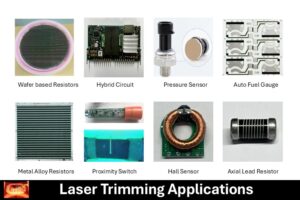
Laser Trimming System
Read More »
June 26, 2025
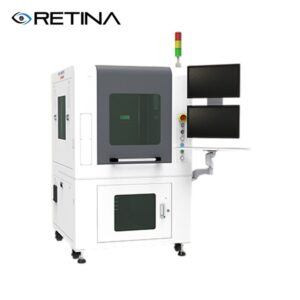
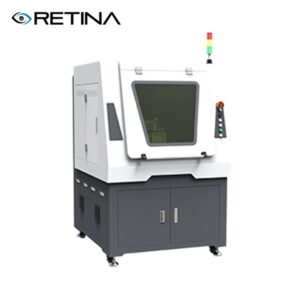
RETINA® – LTS2010A Laser Trimming Sys.
Read More »
June 26, 2025
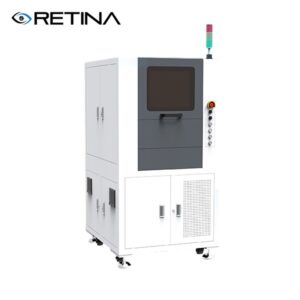
RETINA® – LTS 1002 Laser Trimming Sys.
Read More »
June 26, 2025
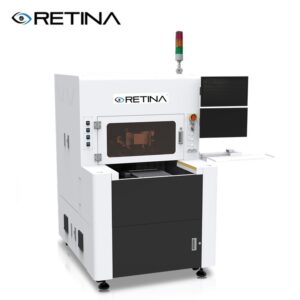
RETINA® – LTS812 Laser Trimming Sys.
Read More »
June 26, 2025
RETINA® – LTS2010C Laser Trimming Sys.
Read More »
June 26, 2025
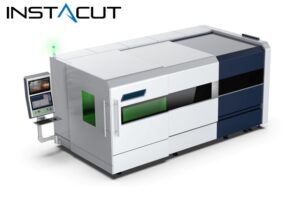
InstaCut® High Power-Compact
Read More »
November 22, 2024
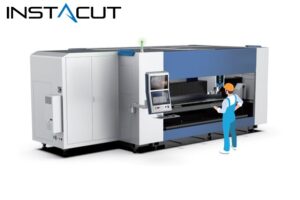
InstaCut® High Power – SideLoad
Read More »
November 22, 2024
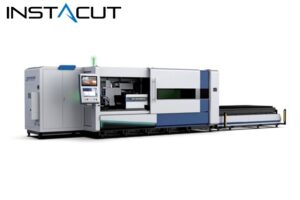
InstaCut® High Power-Shuffle
Read More »
November 21, 2024
News
Welcome to appoint a factory tour
Read More »
November 12, 2024
Thank You for purchase
Read More »
July 2, 2024
« Previous
Page
1
Page
2
Page
3
Page
4
Page
5
Next »
Explore More...